AI Chat Tailored to Your Business
Assist visitors with questions about products, services, and opening hours. The chat uses your company’s approved information and can compile inquiries and support tickets in the customer panel.
See AI ChatSee the website, the personal control panel and the most important features in under a minute.
Your data is handled securely and according to applicable requirements.
Provide customers with an easy way to get answers and support. Choose AI chat, AI phone, or both, and optionally add booking. Your customer panel brings together the features you select.
Assist visitors with questions about products, services, and opening hours. The chat uses your company’s approved information and can compile inquiries and support tickets in the customer panel.
See AI ChatLet the AI assistant answer incoming calls and take messages based on your business knowledge and settings. Manage and review calls in your customer panel.
See AI PhoneAdd the booking system to let customers schedule appointments through the AI assistant or your public booking page. View and manage bookings in your calendar.
Learn About BookingYou control your company information, welcome message, and connected features.
Choose your company’s primary language and let the assistant assist customers in their language.
Access your selected services, inquiries, and settings all in one place.
You receive a phone number for your AI assistant. To use your current business number, forward calls to the AI number. The assistant then answers the forwarded calls.
You can also use the AI number directly as your business contact number.
To your current business number
To your active AI phone number
With your welcome message and company knowledge
Call forwarding is set up with your phone provider. Depending on the provider, you can forward all calls, only when busy, or when no answer. Options and any charges depend on your provider.
With the booking system, the AI assistant can find available times and create bookings in your connected calendar. You also get a public booking page to share with customers or embed on your website.
Access your booking calendar from the customer panel or your personal link in a browser. No new domain, website, or hosting is required to use the booking system.
The chat integrates with supported platforms below. You don’t need to move your website, domain, or hosting to us. The AI phone can be used independently, without website integration.
Choose chat, phone, or both. Add booking and the extra features that fit your business.
Add company details, your business knowledge, and a welcome message. Adjust your features in the customer panel.
Add chat to your website. Forward calls when your AI phone number is active. Share your booking page if you have booking enabled.
Three illustrative examples of use — not reviews or documented customer results.
A visitor wants to know about delivery and returns in the evening. The AI answers using the shop’s approved information. If the visitor needs personal help, the request can become a support case for the team to follow up by email.
A customer calls while the owner is out. When the business number forwards to the AI phone, the assistant answers practical questions and takes messages. The owner tracks inquiries in the customer panel.
A customer wants to book an appointment. With the booking system connected, the AI assistant helps find an available time and records the booking in the calendar. The customer receives confirmation through connected channels.
We are Rasmus Valentin Nørgaard Skov and Corazon Nørgaard Skov. With Corz Connect AI, we want to make it easier for businesses to answer visitors and bring enquiries, customer data and support cases together in their own control panel. Contact us to discuss a solution for your business.
Our AI solution uses technology from OpenAI.
Verified customer reviews will appear here. Customers can write a review after logging into their portal.
Yes. When your AI number is active, you can forward your current business number’s calls to it. Customers continue to call the number they know. Forwarding is configured with your phone provider.
No. AI chat can connect to your existing website, and AI phone can be used as a standalone solution. Website and hosting are separate services.
Booking is an optional paid add-on. Once purchased and connected, you can use the calendar and booking page, letting the AI assistant help schedule appointments.
You access your calendar from the customer panel or directly via your personal calendar link in a browser. Access details are provided with your booking credentials.
Chat, phone, or both—with booking available as an add-on.
Learn more about us, your data and the terms for using Corz Connect AI.
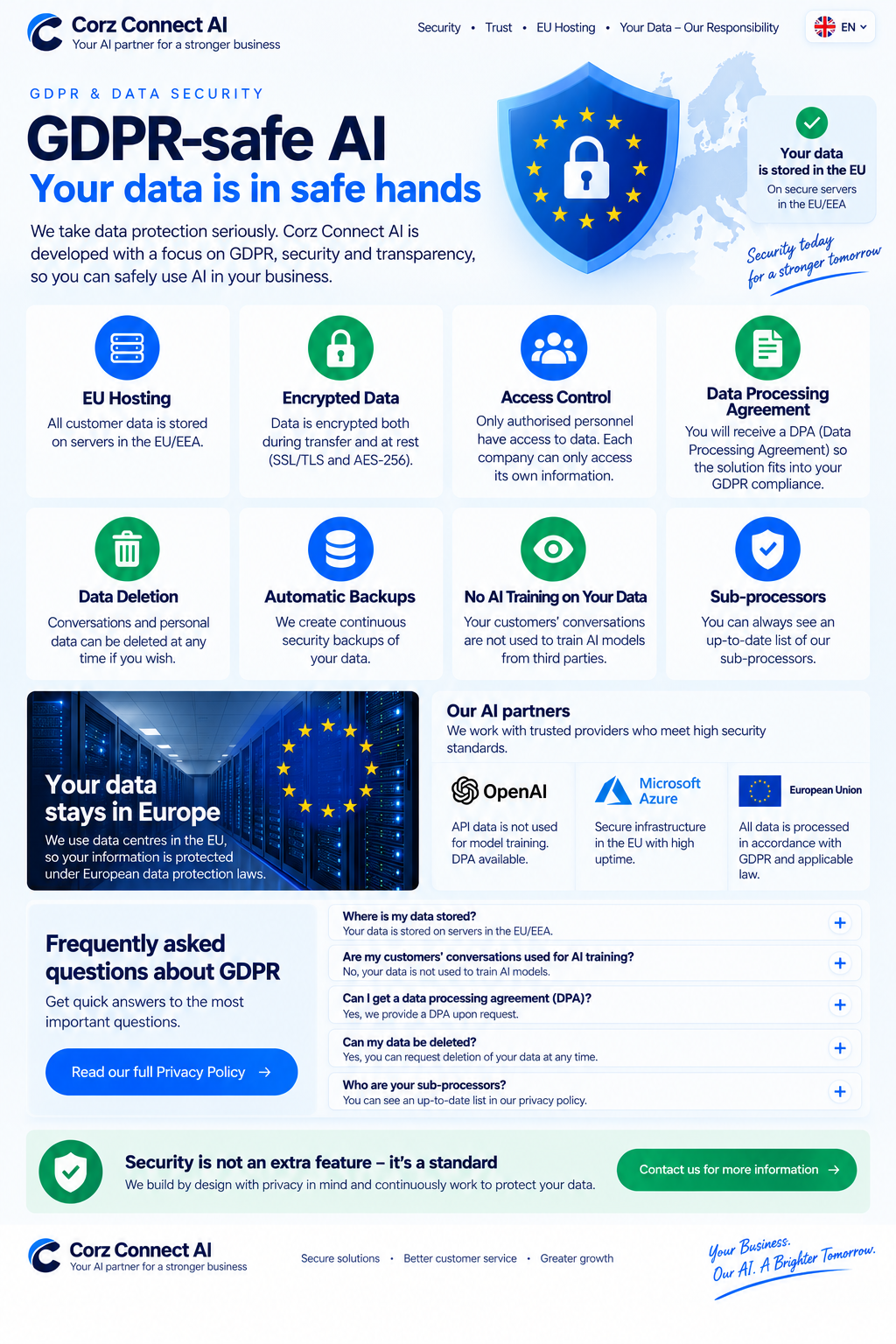
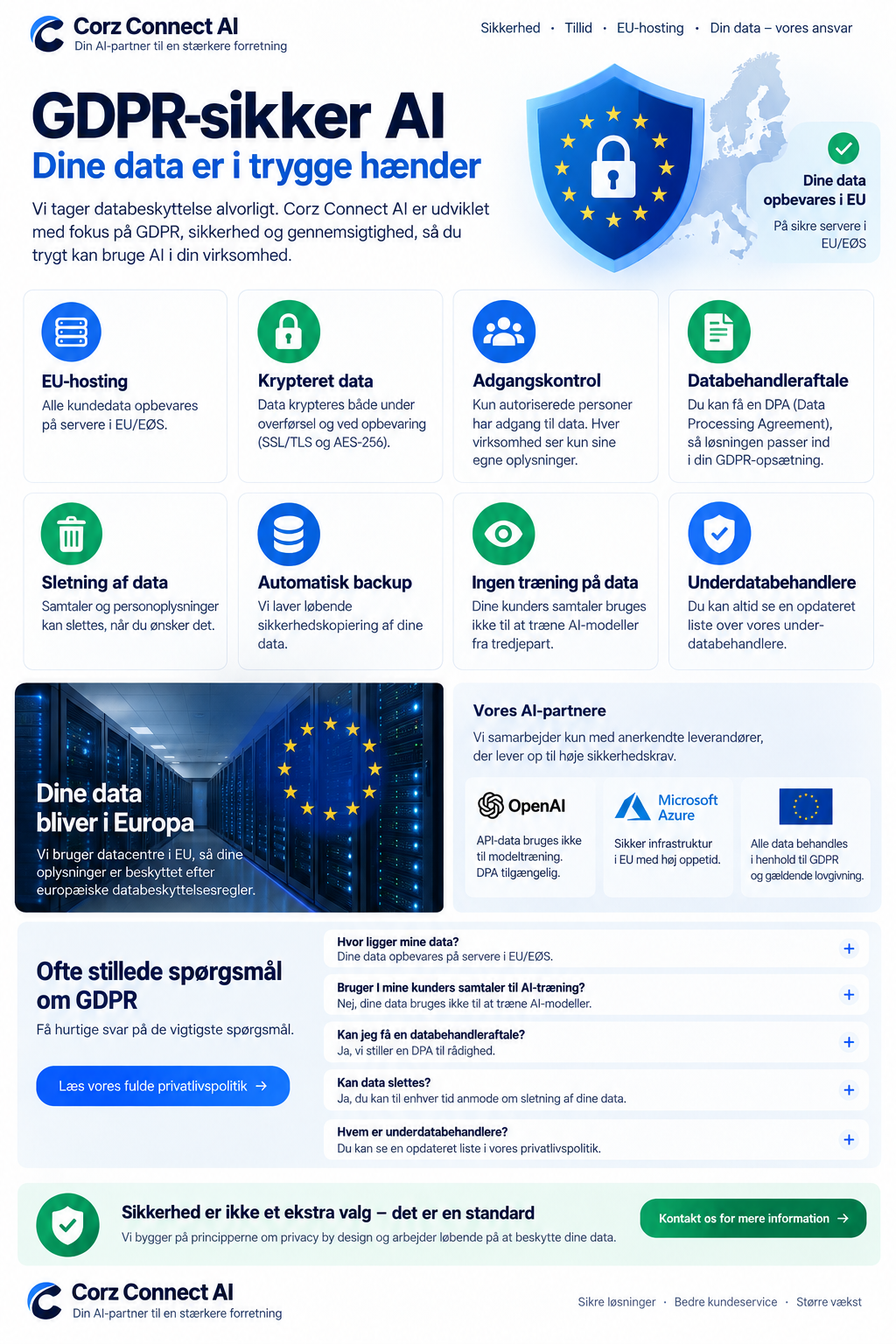
Driftsdata opbevares på servere i EU/EØS.Operational data is stored on servers in the EU/EEA.
Nej. Kundernes samtaler bruges ikke til at træne tredjeparts AI-modeller.No. Customer conversations are not used to train third-party AI models.
Ja. Databehandleraftalen findes under punktet Databehandleraftale.Yes. The agreement is available under Data processing agreement.
Ja. Du kan anmode om indsigt, rettelse eller sletning af dine data.Yes. You can request access, correction or deletion of your data.
Corz Connect AI · Updated 2 September 2026
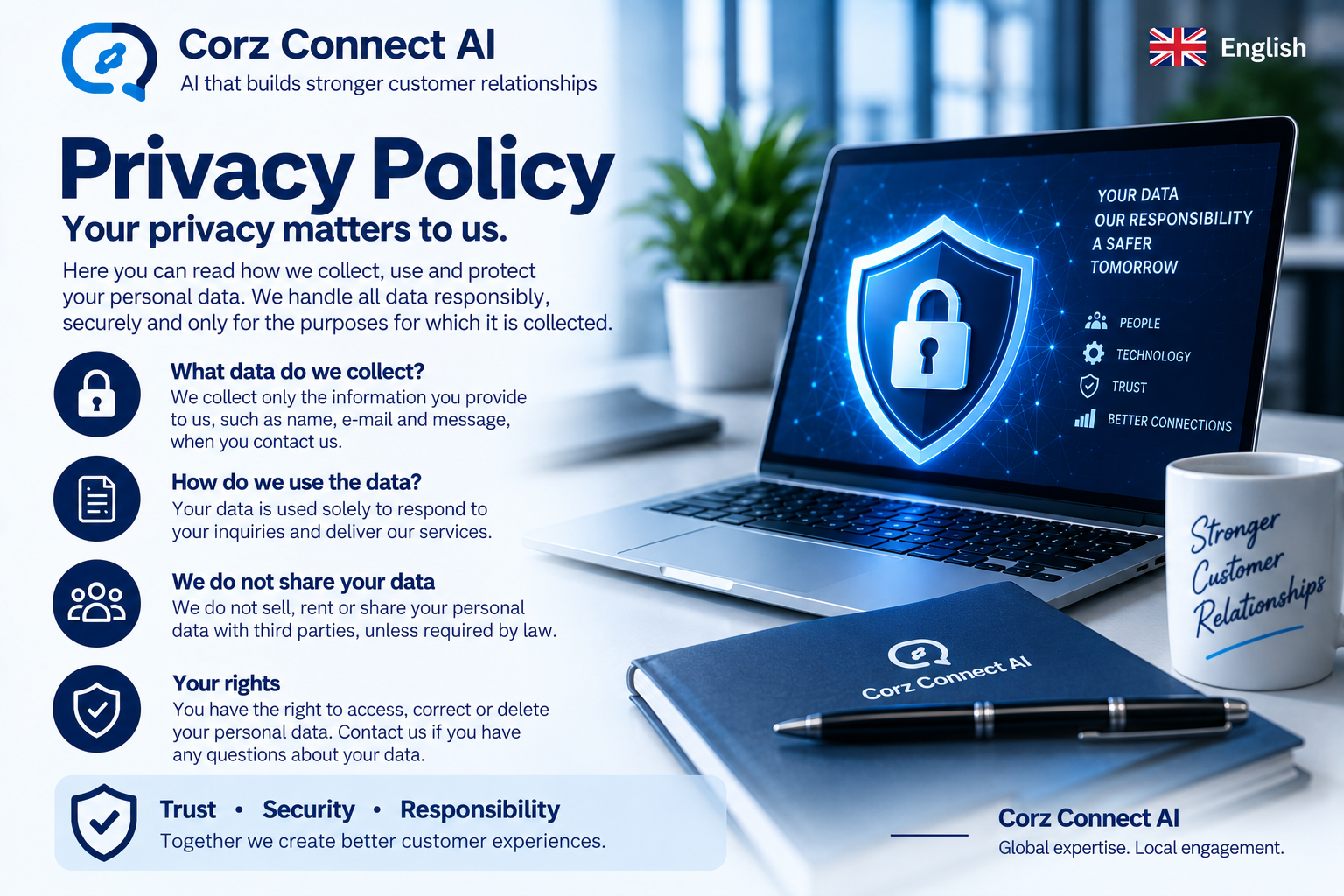
Corz Connect AI is responsible for information connected to this website and customer accounts. Each customer business is responsible for its visitors’ chat data.
We may process contact and company information, login details, subscription data, usage statistics, support messages and chat content.
Information is used to provide the service, administer subscriptions, deliver support, maintain security and meet legal obligations.
Operational data must be protected with access control, encrypted connections, backups and logging.
You may request access, correction, deletion, restriction and data portability where applicable.
Corz Connect AI provides AI-assisted customer service, lead collection and website integrations according to the selected plan.
Your selected services, payment amount and renewal terms are shown before you pay.
The customer is responsible for approved knowledge, lawful use and the information shown to website visitors.
A subscription can be cancelled from the customer portal. Access may remain available until the paid period ends.
Draft appendix · GDPR Article 28
The customer is the data controller, and Corz Connect AI is the data processor for personal information in the AI service, leads and conversation history.
Corz Connect AI processes information only according to the customer’s documented instructions and for the purpose of delivering, securing and supporting the service.
Processing may include names, email addresses, telephone numbers, messages and technical information from the customer’s visitors and employees.
Access control and separation between customer accounts, encrypted transmission, backups, logging and security updates are used to protect information.
Hosting, AI, email and payment providers may be used as subprocessors. Customers are informed of material changes.
When the agreement ends, personal information is deleted or returned according to the customer’s choice unless applicable law requires continued storage.